
From User Interviews to Linear Issues in Minutes with MCP
How MCP & one AI agent changed my PM workflow

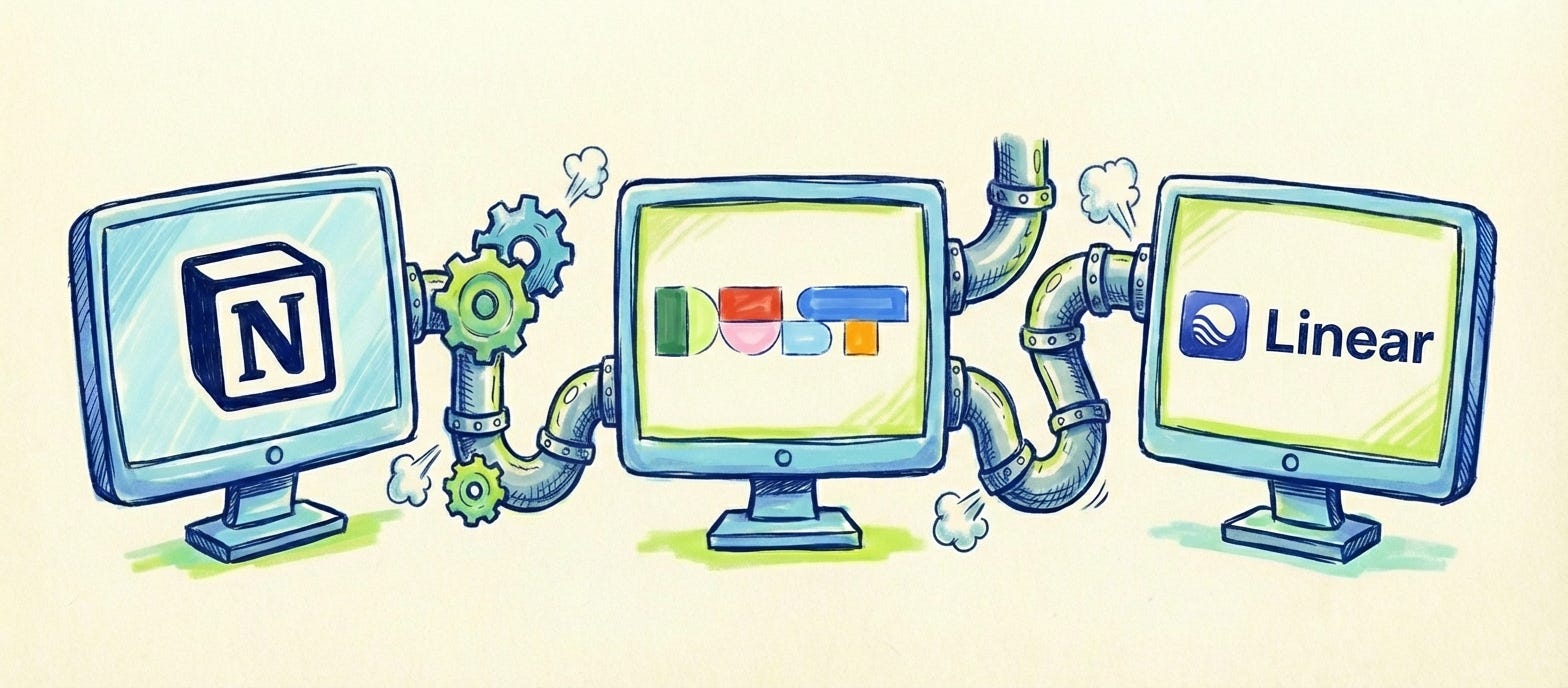
TL;DR: I connected Notion and Linear through an AI agent (Dust.tt) using MCP. Now I process user interviews, extract insights, and create fully-formed Linear issues, all without copy-pasting between tools. What used to take hours now takes minutes.
The Problem: a lot of manual copy-pasting and typing 🌊
If you read my previous articles about https://jurgensuls.substack.com/p/how-to-solo-interviews-your-customers , you know I highly value conducting multiple weekly user interviews or UAT sessions.
Here’s what my workflow looked like:
1. ✅ Conduct user interview (using my AI sidekick framework)
2. ✅ Extract key insights and needs in Notion
3. ❌ Manually write up issues in Linear
4. ❌ Copy-paste problem statements, user quotes, acceptance criteria
5. ❌ Fix formatting, add tags, set priorities
6. 😫 Repeat 20+ times per week
Time wasted per issue: ~5-10 minutes of copy-pasting and formatting
Total time wasted per week: 2+ hours of mechanical work
The insights were clear. The issues were obvious. I knew exactly what needed to happen. But I still had to manually transcribe everything from Notion to Linear like some kind of human copy machine.
The Solution: MCP Bridges the Gap
I knew that MCP (Model Context Protocol) existed, which lets AI agents connect to your actual tools. But I never took the time to apply it in practice.
What is MCP? Think of it as a universal translator that lets AI agents talk directly to your work tools (Notion, Linear, Jira, GitHub, etc.).
What changed for me:
Instead of:
Me → Notion (read insights) → Brain (process) → Linear (manual entry)
Now it’s:
Me → Dust.tt agent (with MCP) → Notion ← → Linear
The AI agent reads my Notion interview notes and creates Linear issues automatically. No copy-pasting. No formatting headaches. No context-switching.
My Current Workflow: From Interviews to Issues ⚡
Step 1: Process User Interviews in Notion
Luckily, I'm neurotic about storing all my conversations with users who use the Instaclause product, so I keep all my user interview insights in a Notion database with this structure:
Interview Database:
├── Customer company Name
├── Date
├── Topics
After each interview, I use my AI sidekick to extract:
Problem statements
User quotes
Possible solutions
Impact assessment
Example of a user interview document in Notion:
User: Sarah (Legal at Accountancy4You)
Date: 2026-01-10
Key Insights:
- Struggles with contract document lookup (takes 10+ mins per search)
- Currently searches in 50+ generated documents
- Needs semantic search, not just keyword matching
- Would save 2 hours/week with better search
Quote:
“Every time I need to find a specific document, I have to open 5 to 8 different documents. I know exactly what I’m looking for, but Instaclause doesn’t understand what I mean.”
Pain Points: search, manual-work, time-consuming
Priority: High
Step 2: Connect Dust.tt to Notion and Linear via MCP
I use Dust.tt, but honestly, any MCP-enabled AI agent works (Claude, ChatGPT with plugins, you name it). Dust is an AI agent that offers (Gemini, Mistral, Claude, etc) all in one and let's you create agents with the model of your choosing and in the past year I discovered they allow MCP and have a feature to easilily connect data sources and tools (such as Linear and Notion).
Setup Steps:
Add Notion MCP to your AI agent
Add Linear MCP to your AI agent
Create a Product Manager Assistant that knows your workflow
My Dust.tt assistant prompt:
You are my Product Management assistant at Instaclause. Your job:
1. Read user interview insights from my Notion “User Interviews” database
2. For each insight, create a Linear issue with:
- Title: Clear, actionable (e.g., “Add semantic search to contract templates”)
- Problem Statement: Why this matters (quote the user)
- User: Who requested this
- Desired Solution: What the user wants
- Acceptance Criteria: How we’ll know it’s done
- Labels: Add relevant tags (ux, backend, legal-team, etc.)
- Priority: Map from Notion priority field
3. Format issues using this template:
## Problem Statement
[User quote describing the pain point]
## User
[company / user name and role in our software]
## Desired Solution
[What the user wants to achieve]
## Acceptance Criteria
- [ ] Criterion 1
- [ ] Criterion 2
- [ ] Criterion 3
4. Only create issues for insights marked “Ready for Linear” in Notion or when a specific document is provided by the user
5. After creating an issue, update the Notion entry with the Linear issue URL
Step 3: Let the AI Agent Do the Work
My typical prompt to Dust.tt:
“Review ‘Sarah (Legal at Accountancy4You)’ user interview from this week in Notion and create Linear issues for each insight. “
What happens next (semi-automatically):
Dust.tt reads my Notion database and finds three new insights marked “Ready for Linear.” It then creates three Linear issues, each with full context including problem statements, user quotes, and acceptance criteria. Finally, it adds the proper labels, priorities, and formatting.
Total time: ~3 minutes compared to 90+ minutes if I did it manually.
Example Linear issue created:
Title: Add semantic search to contract templates
Problem Statement:
“Every time I need to find a specific document, I have to open 5 to 8 different documents. I know exactly what I’m looking for, but Instaclause doesn’t understand what I mean.” Sarah (Legal at Accountancy4You)
User:
Legal professional at accountancy office, Admin role
Desired Solution:
Semantic search that understands meaning, not just keywords.
Acceptance Criteria:
- [ ] Search understands synonyms and related legal terms
- [ ] Returns results ranked by relevance
- [ ] Highlights matching sections in context
- [ ] Works across all contract templates in system
- [ ] Search results load in < 2 seconds
Labels: ux, backend, search, legal-team, high-priority
Why This Works Better Than Copy-Pasting 🎯
Before (manual workflow):
When I wrote issues manually, I often forgot to include user quotes, which meant the engineering team lost valuable context about why a feature mattered. Without AI assistance, I struggled to articulate problems clearly, making issues harder for the team to understand. I frequently missed acceptance criteria, leaving an unclear definition of done. And I almost never remembered to link back to the original Notion document, so the source context was lost entirely. Each issue took me 8-10 minutes to create.
After (MCP-powered workflow):
Now every issue automatically includes relevant user quotes, preserving the voice of the customer. The formatting is consistent across all issues because the AI follows the same template every time. Acceptance criteria are derived directly from user needs mentioned in the interview notes. Bidirectional links between Notion and Linear keep everything connected. Each issue takes roughly 30 seconds to create. And the best part? Better issue quality with full context, so the engineer grasps much better the full picture and can think of a better solution.
Takeaways: What I Learned 💡
MCP is a game-changer: AI agents become 10x more useful when connected to your actual tools
Consistent formatting matters: The template approach ensures every issue has what the team needs
Bidirectional linking is key: Notion ↔ Linear links preserve full context
Time saved ≠ less work: I reinvested those 3 hours/week into more discovery (which is the whole point, right?)
What’s Next? 🔮
I’m planning to explore:
Auto-updating issues when interview insights change in Notion
Google Chat notifications when high-priority issues are resolved